Lesson 28: File handling: open(), access modes, close, read and write
open() connects a file on disk to a file object in your program. The mode decides whether you read, overwrite or append, and closing the file is what guarantees the data reached the disk.

In short
- `open(path, mode)` returns a file object; the common modes are `r`, `w`, `a` and `rb`.
- `"w"` empties the file first, so opening an existing file for writing destroys it.
- `write()` does not add a newline; include `"\n"` yourself.
- `with open(...) as f:` closes the file even if an error occurs, which is why it is the recommended form.
4
basic modes: r, w, a, x
Python docs
0
newlines added automatically by write()
Python docs
What a file object is
open() asks the operating system for a file and gives you a file object — a handle you read from or write through. Nothing is written until you ask, and nothing is guaranteed to reach the disk until the file is closed.
The program
# files.py — write, read, append

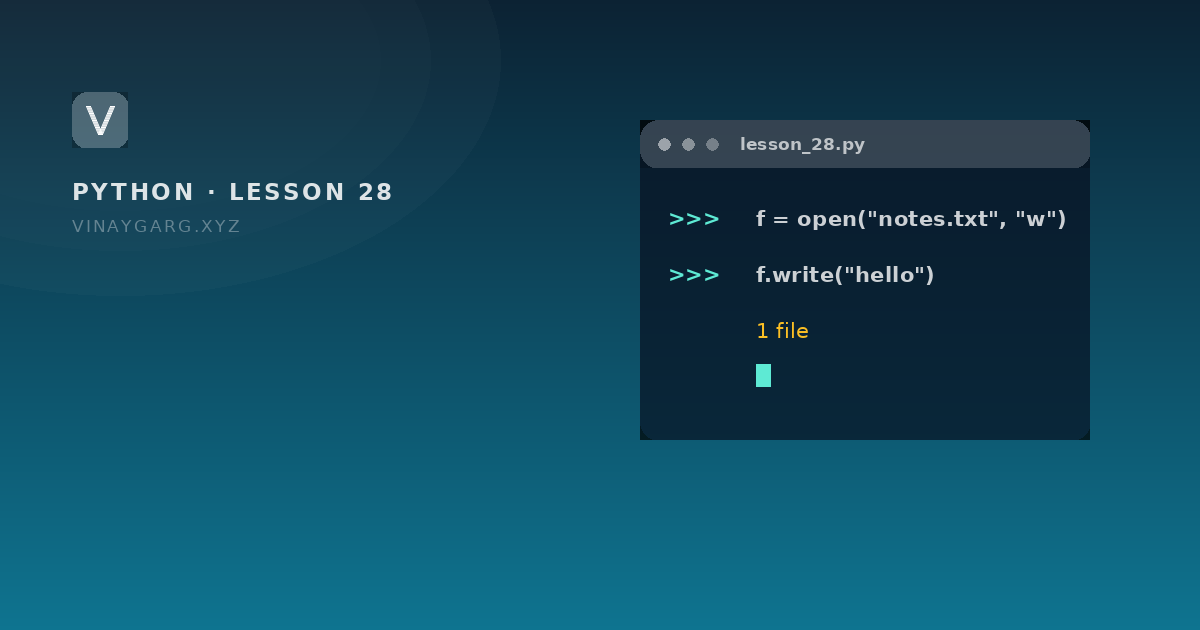
f = open("notes.txt", "w")
print(f.name, f.mode, f.closed)     # notes.txt w False
f.write("First line\n")
f.write("Second line\n")
f.close()
print(f.closed)                     # True

f = open("notes.txt", "r")
content = f.read()
f.close()
print(content)

with open("notes.txt", "a") as f:
    f.write("Third line\n")

with open("notes.txt", "r") as f:
    for line in f:
        print(line.strip())
How it works, step by step
open("notes.txt", "w")creates the file if it does not exist, or empties it if it does.f.name,f.modeandf.closedare attributes describing the open file.write()puts exactly the characters you give it. Without"\n"the next write continues on the same line.close()flushes the buffer and releases the file.f.closedthen becomes True.- Reading with
read()returns the whole file as one string. - The
withblock opens in append mode, adds a line, and closes automatically — even if an exception happens inside.
What it prints
notes.txt w False
True
First line
Second line

First line
Second line
Third line
Access modes
| Mode | Means | If the file exists | If it does not |
|---|---|---|---|
"r" | Read | Opens at the start | FileNotFoundError |
"w" | Write | Empties it | Creates it |
"a" | Append | Writes at the end | Creates it |
"x" | Create | FileExistsError | Creates it |
"r+" | Read and write | Opens without emptying | FileNotFoundError |
"rb", "wb" | Binary | Images, PDFs, anything not text | as above |
Reading in three ways
f.read()— everything as one string.f.readline()— one line, including its newline.f.readlines()— a list of lines.
For a large file, the for line in f: form used above is best: it reads one line at a time instead of loading the whole file into memory.
Common mistakes
- Opening with
"w"when you meant"a", and losing the previous contents. - Forgetting
\ninwrite(), then finding every line joined together. - Reading and writing the same file at once. Read it, close it, then write.
- Leaving the file open. Use
withso it closes on every path out.
Practice
Try these before moving on. Each one uses only what this lesson covered.
- Program 16: use `open()`, `write()` and `read()` to save two lines to a file and print them back.
- Append a third line to the same file in append mode and print the whole file.
- Print `f.name`, `f.mode` and `f.closed` before and after closing a file.
- Read a file line by line with a `for` loop and print each line without the trailing newline.
Sources
Frequently asked questions
What does open() do in Python?
It opens a file and returns a file object you can read from or write through. The mode argument decides which: r reads, w overwrites, a appends.
What is the difference between w and a mode?
w empties the file before writing, so the old contents are lost. a keeps the contents and writes at the end. Choosing the wrong one is the most common file-handling bug.
Why should I use with open(...) as f?
Because it closes the file automatically, even when an exception happens inside the block. With a manual open you must remember close() on every path.
Does write() add a newline?
No. It writes exactly what you give it, so include "\n" when you want the next write on a new line.