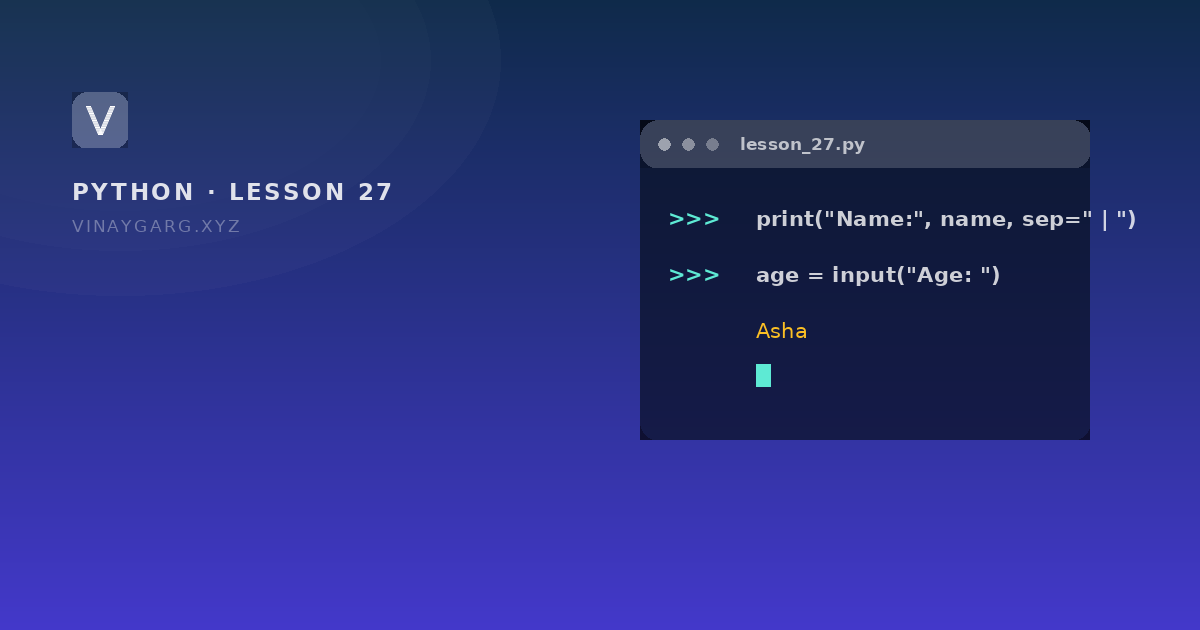
Lesson 27: Sending output with print() and reading input with input()
print() writes to STDOUT — the screen or a terminal — and input() reads a line of text from the keyboard. Everything you already know about strings applies to what input() hands back.

In short
- `print()` sends text to STDOUT; separate values with commas or control them with `sep` and `end`.
- An f-string, `f"{name} scored {marks}"`, is the shortest way to build readable output.
- `input()` always returns a string, even when the user types digits.
- Convert before doing maths: `int(input("Age: "))`; a bad value raises `ValueError`.
1
type input() ever returns: str
Python docs
2
print() keywords that change formatting: sep and end
Python docs
STDOUT and STDIN
STDOUT is the standard output stream: the screen, or the terminal window your program runs in. STDIN is the standard input stream: the keyboard. print() writes to the first, input() reads from the second.
The program
# io.py — writing out, reading in

name = "Asha"
marks = 88

print("Name:", name, "Marks:", marks)          # comma separated
print("Name:", name, sep=" | ", end=" !!")
print()
print(f"{name} scored {marks} out of 100")     # f-string
print("%s scored %d" % (name, marks))          # old style, still seen
print("Total is {:.2f}".format(12.3456))       # rounded to 2 places

age = input("Your age: ")
print("Next year you will be", int(age) + 1)
How it works, step by step
- With several values,
print()puts a space between them by default. sep=" | "replaces that space;end=" !!"replaces the newline at the end, so the next print continues on the same line.- An f-string is a string with an
fin front; anything inside curly brackets is evaluated and inserted. {:.2f}means "a float with two decimal places", useful for money and marks.input("Your age: ")shows the prompt and waits. Whatever the user types comes back as a string.int(age)converts that string to a number, and only then can 1 be added.
What it prints
Name: Asha Marks: 88
Name:  | Asha !!
Asha scored 88 out of 100
Asha scored 88
Total is 12.35
Your age: 42
Next year you will be 43
Which formatting style to use
| Style | Example | Verdict |
|---|---|---|
| f-string | f"{name}: {marks}" | Readable, fast, the modern default |
.format() | "{}: {}".format(name, marks) | Fine, common in older code |
% operator | "%s: %d" % (name, marks) | Oldest; recognise it, prefer f-strings |
Common mistakes
input() + 1— text plus number. Convert first.int(input())with no prompt, leaving the user staring at a blank screen.- Forgetting that
endreplaces the newline, so the following output runs onto the same line. - Trusting the input. A user who types "twenty" makes
int()raiseValueError; wrap it intrywhen the program must survive it.
Practice
Try these before moving on. Each one uses only what this lesson covered.
- Read a name and a city with `input()` and print a sentence using an f-string.
- Read two numbers, convert both, and print their sum, difference and product.
- Print three values separated by a dash using `sep="-"`, and print a line without a newline using `end=""`.
Sources
Frequently asked questions
What does input() return in Python?
Always a string, whatever is typed. Even "42" comes back as text, so convert with int() or float() before doing arithmetic.
How do I print without a newline?
Pass end="": print("Loading", end=""). The next print continues on the same line.
What is an f-string?
A string prefixed with f where curly brackets contain expressions: f"{name} scored {marks}". Python replaces each bracket with its value.
Can input() read numbers directly?
No. It has no type parameter. Read the text and convert: age = int(input("Age: ")). Wrap it in try and except if the value might not be a number.