Lesson 29: File processing and the os module
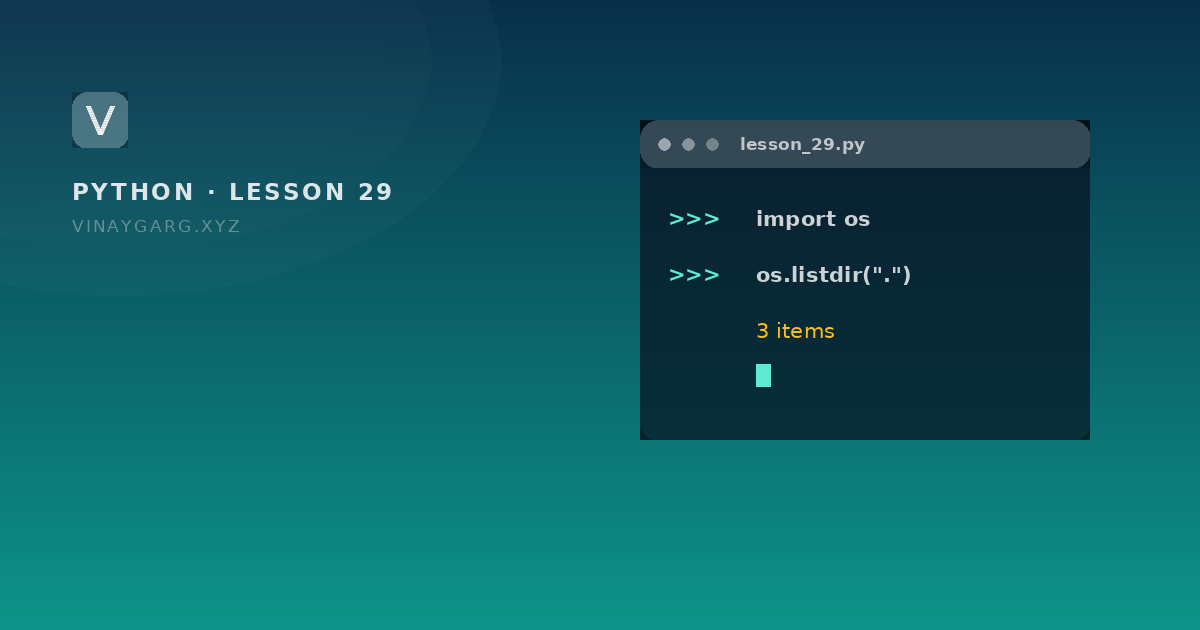
File processing means reading a file line by line and doing something with each line. The os module adds the filesystem around it: check whether a file exists, list a folder, rename, and delete.

In short
- Processing a file usually means one loop over its lines, with `strip()` to remove the newline.
- `readline()` reads one line at a time; `tell()` reports the current position in the file.
- `os.path.exists`, `os.path.getsize` and `os.path.join` work with paths without opening anything.
- `os.listdir`, `os.rename`, `os.remove` and `os.mkdir` change the filesystem, so test on copies first.
1
pass over a file needed for most processing
this lesson
4
filesystem calls in this lesson: listdir, rename, remove, mkdir
Python docs
Processing a file
File processing is the loop you write after opening: read one line, clean it, do something with it. Counting words, skipping comments, parsing a CSV by hand — all the same shape.
The program
# process.py — lines, positions, and the os module

import os

with open("data.txt", "w") as f:
    f.write("alpha\nbeta\ngamma\n")

with open("data.txt", "r") as f:
    lines = f.readlines()
print(len(lines), lines[0].strip())      # 3 alpha

with open("data.txt", "r") as f:
    print(f.readline().strip())          # alpha
    print(f.tell())                      # 6: position after the first line

with open("data.txt", "r") as f:
    for number, line in enumerate(f, start=1):
        print(number, line.strip())

print(os.path.exists("data.txt"))        # True
print(os.path.getsize("data.txt"))       # 17 bytes
print(os.path.splitext("data.txt"))      # ('data', '.txt')
print("data.txt" in os.listdir("."))     # True

os.rename("data.txt", "final.txt")
print(os.path.exists("final.txt"))       # True
os.remove("final.txt")
print(os.path.exists("final.txt"))       # False
How it works, step by step
readlines()returns the file as a list of lines, each keeping its newline.strip()removes that newline so the printed line looks normal.readline()reads one line and moves the position;tell()then reports the byte offset — 6 after "alpha\n".- Looping over the file with
enumerate(f, start=1)gives a line number without a separate counter. os.path.exists()andgetsize()only look; they do not open the file.os.rename()andos.remove()change the filesystem, which is why the checks after each one matter.
What it prints
3 alpha
alpha
6
1 alpha
2 beta
3 gamma
True
17
('data', '.txt')
True
True
False
The os calls worth knowing
| Call | Does |
|---|---|
os.getcwd() | Current working directory |
os.listdir(path) | Names of the items in a folder |
os.path.exists(p) | True when the path exists |
os.path.getsize(p) | Size in bytes |
os.path.join(a, b) | Builds a path with the right separator |
os.mkdir(p), os.makedirs(p) | Create one folder, or a chain |
os.rename(old, new) | Rename or move |
os.remove(p), os.rmdir(p) | Delete a file, delete an empty folder |
Always join paths with os.path.join
import os

folder = "records"
name = "marks.txt"
print(os.path.join(folder, name))   # records\marks.txt on Windows, records/marks.txt on Linux
Hard-coding a slash works on one system and breaks on the other. join() uses the separator of the machine the program is running on.
Common mistakes
- Assuming the current folder. A script run from another place looks in that place; use an absolute path or
os.path.dirname(__file__). - Calling
os.remove()on a missing file:FileNotFoundError. Check withexists()first. - Deleting files before testing on copies. There is no undo and no recycle bin.
Practice
Try these before moving on. Each one uses only what this lesson covered.
- Write three lines to `data.txt`, then print each line with its line number using `enumerate`.
- Count the words and the lines in a file you create yourself.
- List every file in the current folder whose name ends with `.py` using `os.listdir`.
- Rename `data.txt` to `final.txt`, check that it exists, then delete it.
Sources
Frequently asked questions
What is file processing in Python?
Reading a file and working through its contents, usually one line at a time: cleaning each line, counting, splitting, or building records from it.
What is the os module used for?
Interacting with the operating system: listing folders, checking whether a path exists, getting file sizes, creating and removing directories, renaming files, and reading environment variables.
How do I check whether a file exists?
Use os.path.exists("file.txt"). It returns True or False without opening the file, which lets you avoid FileNotFoundError.
Why use os.path.join instead of writing a slash?
Because Windows and Linux use different separators. os.path.join builds the correct path for the machine the code runs on.