Lesson 8: Assignment operators: = += -= *= and the rest
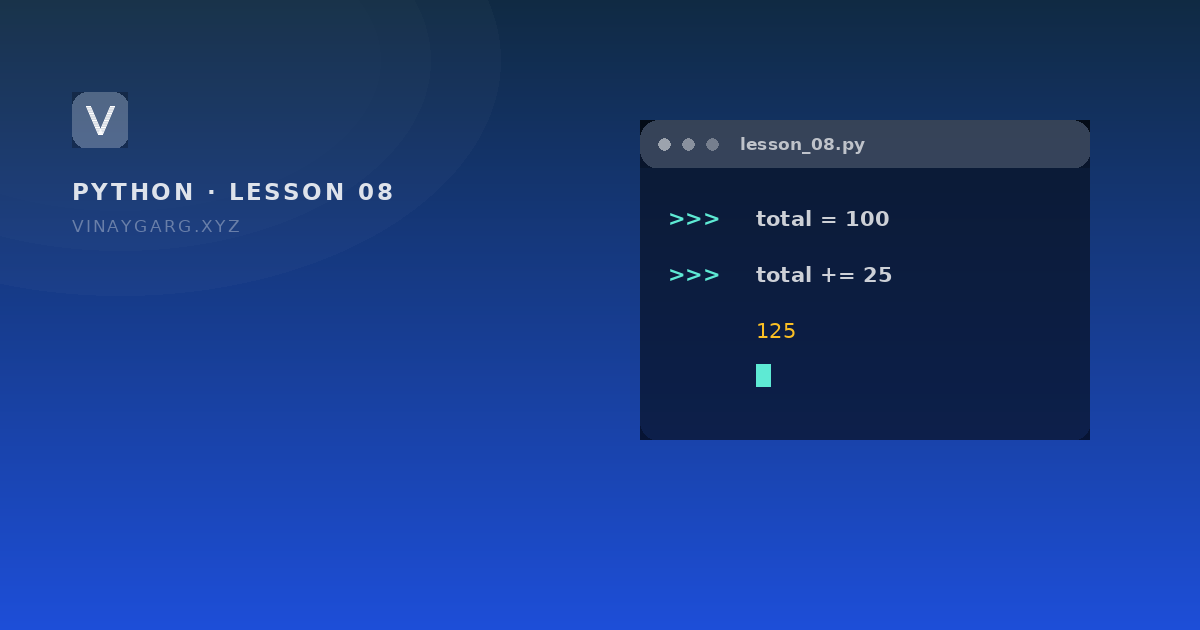
The equals sign stores a value. The shorthand forms such as += add first and store after, so total += 25 means total = total + 25. One program walks through every assignment operator.

In short
- `=` assigns a value; it does not mean "equals" in the mathematical sense.
- `total += 25` is shorthand for `total = total + 25`, and the same pattern works for every arithmetic operator.
- `a = b = 5` gives both names the value 5, and `x, y = 10, 20` unpacks two values in one line.
- `x, y = y, x` swaps two variables without a third one.
9
shorthand assignment operators
Python docs
1
line needed to swap two variables with unpacking
this lesson
What assignment means
An assignment stores a value under a name. The equals sign is not a comparison: marks = 88 says "put 88 in the box labelled marks". Comparison is written with two signs, marks == 88.
Compound assignment operators do two things at once: they calculate with the old value and store the result. total += 25 means total = total + 25.
The operators
| Operator | Example | Same as |
|---|---|---|
= | x = 5 | store 5 in x |
+= | x += 5 | x = x + 5 |
-= | x -= 5 | x = x - 5 |
*= | x *= 5 | x = x * 5 |
/= | x /= 5 | x = x / 5 |
//= | x //= 5 | x = x // 5 |
%= | x %= 5 | x = x % 5 |
**= | x **= 5 | x = x ** 5 |
&=, |=, ^=, >>=, <<= | flags |= 4 | same idea with bitwise operators |
The program
# assignment.py — every shorthand operator, one after another

total = 100

total += 25      # total = total + 25
print(total)     # 125
total -= 5
print(total)     # 120
total *= 2
print(total)     # 240
total /= 4
print(total)     # 60.0, division gives a float
total //= 7
print(total)     # 8.0
total %= 3
print(total)     # 2.0
total **= 3
print(total)     # 8.0

a = b = c = 5
print(a, b, c)   # 5 5 5

x, y = 10, 20
x, y = y, x      # swap in one line
print(x, y)      # 20 10
How it works, step by step
total = 100creates the variable.total += 25reads the old value (100), adds 25, then stores 125 under the same name.- The rest follow the same pattern. Notice that
/=changes the type: 240 becomes 60.0, a float, because true division always produces one. a = b = c = 5assigns from right to left: 5 goes toc, then tob, then toa.x, y = 10, 20unpacks a two-value tuple into two names.x, y = y, xbuilds the pair(20, 10)first and then unpacks it, which is why the swap works without a temporary variable.
What it prints
125
120
240
60.0
8.0
2.0
8.0
5 5 5
20 10
Why the shorthand exists
Counters are the common case: count += 1 in a loop. The shorthand is not faster in any way that matters; it keeps the line readable and puts the important name at the start.
Common mistakes
- Using a shorthand before the variable exists:
total += 1on an undefinedtotalraisesNameError. Assign it first. - Writing
x =+ 1instead ofx += 1. The first is a valid assignment of+1, and it silently wipes the old value. - Expecting
/=to keep an int. It does not; use//=if you want whole numbers.
Practice
Try these before moving on. Each one uses only what this lesson covered.
- Start with total = 100 and use `+=` to add 50, then `-=` to take away 25, printing after each step.
- Store the price of an item and apply a 10% discount using `*=`.
- Swap two variables a = 3 and b = 8 in a single line and print them.
Sources
Frequently asked questions
What does += mean in Python?
It adds to the existing value and stores the result. total += 25 is the same as total = total + 25. Every arithmetic operator has a version like it.
Why does x /= 4 give a decimal?
Because the single slash always performs true division, which returns a float. 240 / 4 is 60.0, not 60. Use //= when you want the whole part.
How do I swap two variables in Python?
Write x, y = y, x. Python builds the right-hand pair first, then unpacks it, so no temporary variable is needed.
Can I assign several variables on one line?
Yes. a = b = c = 5 gives all three the same value, and x, y = 10, 20 gives each name its own. Both are ordinary assignments, just written compactly.