Lesson 15: Jumping statements: break, continue and pass
break leaves a loop immediately, continue skips to the next round, and pass does nothing at all. Each one is small, and each one has a place where it makes a loop clearer than any alternative.

In short
- `break` ends the loop at once and continues with the first line after it.
- `continue` abandons the current round and goes straight to the next one.
- `pass` is a placeholder that does nothing; it exists so an empty block is still valid Python.
- A loop can have an `else` clause, which runs only when the loop finished without hitting `break`.
3
jumping statements: break, continue, pass
Python docs
1
loop else clause that runs when no break happened
Python docs
Three small keywords
Loops normally run to the end. Sometimes you want to leave early, skip one round, or leave a block empty on purpose. That is what jumping statements are for.
| Statement | What it does | Typical use |
|---|---|---|
break | Leaves the loop immediately | Stop searching once the answer is found |
continue | Skips the rest of this round | Ignore values that do not interest you |
pass | Does nothing | Placeholder for code you have not written yet |
The program
# jumping.py — leaving early, skipping a round, doing nothing

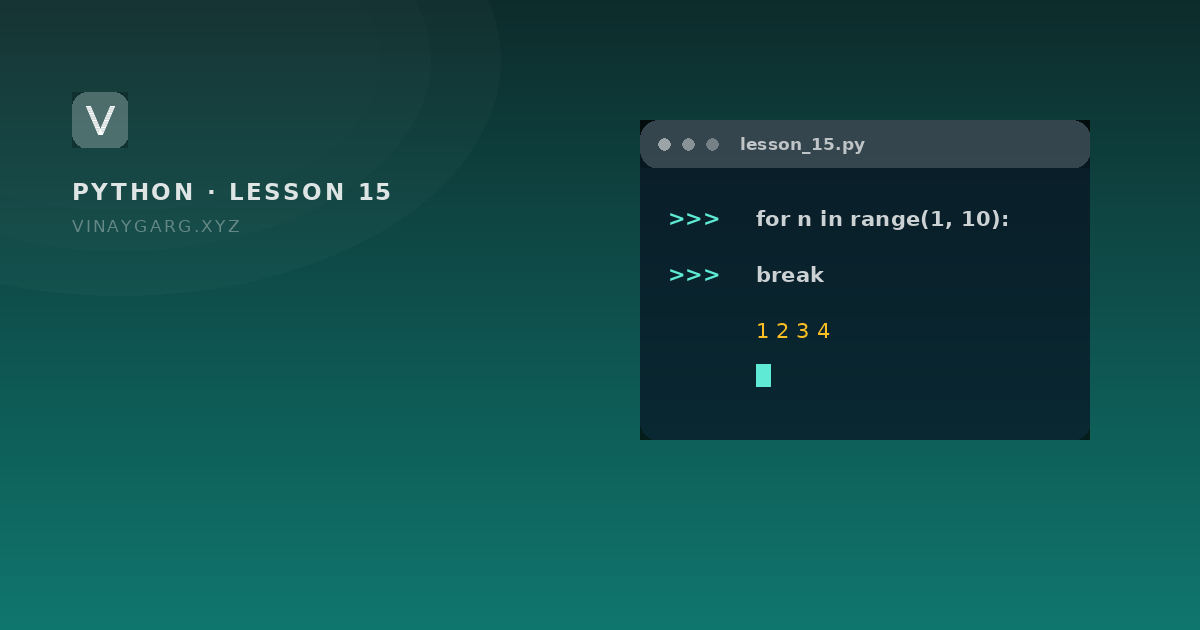
for n in range(1, 10):
    if n == 5:
        break
    print(n, end=" ")
print()              # 1 2 3 4

for n in range(1, 6):
    if n % 2 == 0:
        continue
    print(n, end=" ")
print()              # 1 3 5

for item in range(3):
    pass             # nothing yet
print("pass did nothing")

for n in range(2, 10):
    if n == 4:
        print("found 4")
        break
else:
    print("not found")
How it works, step by step
- The first loop prints 1 to 4. When
nreaches 5,breakends the loop before the print, so 5 never appears. - In the second loop, even numbers hit
continue, which skips the print and moves to the next value. Only 1, 3, 5 reach the print. passkeeps the loop body legal without doing anything. Removing the line would be a syntax error, because a block cannot be empty.- The last loop uses the
elseof a loop: it runs only when the loop ended without abreak. Since 4 is found, the break happens and "not found" is skipped.
What it prints
1 2 3 4
1 3 5
pass did nothing
found 4
When each one is the right tool
breakinside a search: the moment you have what you need, doing more work is waste.continuewhen the rest of the loop body should not run for the current item, and wrapping everything in a giantifwould add two levels of indentation.passwhile sketching a function or a class, so the file stays valid and runnable.
Common mistakes
- Using
breakwherecontinuewas meant. The loop then stops completely instead of skipping one item. - Assuming
breakleaves nested loops entirely. It leaves the innermost loop only. - Leaving
passin a finished program. It runs silently, so the block looks implemented when it is not — the most expensive placeholder in programming.
Practice
Try these before moving on. Each one uses only what this lesson covered.
- Loop from 1 to 20 and stop as soon as you reach 7, using break.
- Print only the odd numbers from 1 to 15 using continue.
- Write a loop that searches a list for a name and prints "not found" using the loop else clause.
- Write a function body with `pass` and call it, so it runs without doing anything yet.
Sources
Frequently asked questions
What is the difference between break and continue?
break leaves the loop and continues after it. continue skips the rest of the current round and goes to the next one. break ends repetition, continue ends a single round.
What is pass used for in Python?
It is a valid statement that does nothing. It is used where Python expects an indented block but you have nothing to put there yet, such as an empty function or a branch you are still designing.
Does break only leave one loop?
Yes. In nested loops, break leaves only the innermost loop. To leave both, set a flag and check it in the outer loop, or return from a function.
What does else on a loop mean?
The else block runs only when the loop finished normally. If a break ended the loop, else is skipped. It is a clean way to say "did not find it" after a search.