Lesson 18: Tuples: lists that cannot change
A tuple is an ordered collection that cannot be modified after it is created. That restriction is the point: it is safe to share, cheap to unpack, and the natural way to return several values from one function.

In short
- A tuple is written with round brackets: `(3, 7)`, and its items cannot be changed.
- A one-item tuple needs a trailing comma: `(5,)`; without it you just have a number in brackets.
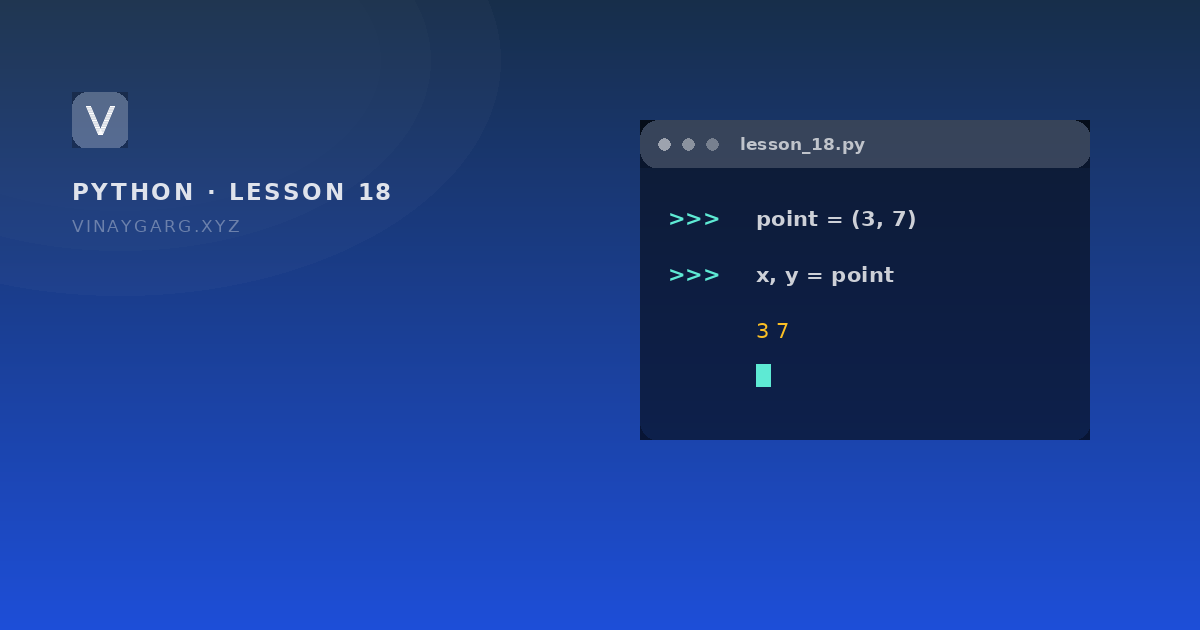
- Unpacking assigns each item to a name in one line: `x, y = point`.
- Tuples are hashable, so they can be used as dictionary keys; lists cannot.
1
element tuple needs a trailing comma: (5,)
Python docs
2
methods available: count() and index()
Python docs
What a tuple is
A tuple is an ordered collection that cannot be changed after creation. You read items from it exactly as from a list, but there is no append, no remove and no item assignment.
point = (3, 7)
print(point[0])       # 3
Trying point[0] = 5 raises TypeError. That is not a limitation to work around; it is the guarantee that makes a tuple useful.
The program
# tuples.py — reading, unpacking and counting

point = (3, 7)
print(point[0], point[1])     # 3 7

x, y = point                  # unpacking
print(x, y)                   # 3 7

single = (5,)                 # the comma makes it a tuple
print(type(single), len(single))   # <class 'tuple'> 1

days = ("Mon", "Tue", "Wed", "Tue")
print(days.count("Tue"), days.index("Wed"))   # 2 2

student = ("Asha", 21, "MCA")
name, age, course = student
print(f"{name} is {age}, studying {course}")
How it works, step by step
point[0]reads the first item, exactly like a list.x, y = pointtakes the two items and gives them to two names. The number of names must match the number of items.(5,)is a tuple because of the comma.(5)is just the number 5 in brackets, andtype()would sayint.count()andindex()are the only methods: count how many times a value appears, and where it first appears.- The f-string puts the unpacked values into a sentence without any concatenation.
What it prints
3 7
3 7
<class 'tuple'> 1
2 2
Asha is 21, studying MCA
When a tuple is the right choice
- Fixed facts such as a date, a coordinate, or the three parts of an RGB colour.
- Returning several values from a function:
return width, heightgives back a tuple. - Dictionary keys where one key is a pair:
grid[(2, 3)] = "x". - Protecting data you do not want any later line to change by accident.
Common mistakes
- Forgetting the comma in a one-item tuple and then wondering why
len()fails. - Trying to sort or append. Convert first with
list(t), work on the list, thentuple()it back if needed. - Unpacking into the wrong number of names:
a, b = (1, 2, 3)raisesValueError.
Practice
Try these before moving on. Each one uses only what this lesson covered.
- Store your name, age and course in a tuple, then print each item by index.
- Unpack the same tuple into three variables and print them with an f-string.
- Create a one-item tuple and print its type and length.
- Store five numbers in a tuple and print the largest, the smallest and the number of times 3 appears.
Sources
Frequently asked questions
What is a tuple in Python?
An ordered collection that cannot be changed after it is created, written with round brackets. You can read items, slice them, count them and unpack them, but not add or replace items.
What is the difference between a list and a tuple?
A list is mutable: you can append, remove and sort it. A tuple is fixed, so it uses less memory, can be a dictionary key, and cannot be changed by accident.
Why does (5) not create a tuple?
Because brackets around a single value are just grouping. The comma is what creates the tuple: (5,) is a one-item tuple.
How do I return two values from a function?
Write return a, b. Python returns a tuple, and the caller unpacks it with x, y = function(). No special syntax is needed.