Lesson 2: Hardware and software requirements, and installing Python
Python needs very little: any computer from the last ten years, about 200 MB of disk and an internet connection once. Here is what to check, how to install it on Windows and Linux, and how to prove it worked.

In short
- Any computer that runs Windows 10, macOS 12 or a current Linux distribution can run Python; 2 GB of RAM and 200 MB of disk is enough to start.
- Download Python 3 from python.org; on Windows tick "Add python.exe to PATH" during setup or the command will not be found.
- The three checks after installing are `python --version`, `pip --version` and running one line of code.
- Python itself is free; an editor such as IDLE, VS Code or PyCharm is a choice, not a requirement.
200 MB
disk space a standard Python install needs
python.org
1
checkbox that decides whether python works in the terminal
Windows installer
Hardware requirements
Python is light. These are comfortable minimums for learning, not limits:
| Component | Practical minimum | Why |
|---|---|---|
| Processor | Any 64-bit x86 or ARM processor from the last 10 years | Python itself is small; the editor is heavier than the language. |
| Memory (RAM) | 2 GB, 4 GB comfortable | IDLE needs very little; a browser and an IDE at the same time need more. |
| Disk space | About 200 MB for Python and pip, 1 GB including an editor | Standard library and documentation are included. |
| Display | 1024 × 768 | IDLE is a plain window; nothing graphical is required to learn. |
| Internet | Once, to download the installer | Python runs offline afterwards. |
Software requirements
- Operating system: Windows 10 or 11, macOS 12 or later, or any current Linux distribution such as Ubuntu 22.04.
- Python version: Python 3.10 or newer. Python 2 is retired and should not be used for new work.
- pip: the package installer. It comes with the official Python installer, so there is nothing extra to fetch.
- An editor: IDLE is installed with Python and is enough for this course.
Installing on Windows, step by step
- Open
python.org/downloadsand choose the Windows installer for the latest Python 3. - Run the installer. On the first screen, tick "Add python.exe to PATH". This single checkbox is what makes the
pythoncommand work in the command prompt. - Choose "Install Now" and wait for it to finish.
- Open the Start menu, type
cmd, and press Enter. - Type
python --version. You should see something likePython 3.10.12. - If that command is not recognised, try
py --version. Thepylauncher is installed with Python on Windows and always finds it.
If your machine runs Linux or macOS
The course assumes Windows, because that is what the lab uses, and every example works the same way on the other systems. Only the commands to install and run differ:
# Ubuntu or Debian
sudo apt update
sudo apt install python3 python3-pip

# Fedora
sudo dnf install python3 python3-pip

# macOS with Homebrew
brew install python
On Linux the command is usually python3 instead of python, because python may still point at an old Python 2 on some systems.
Proving the installation works
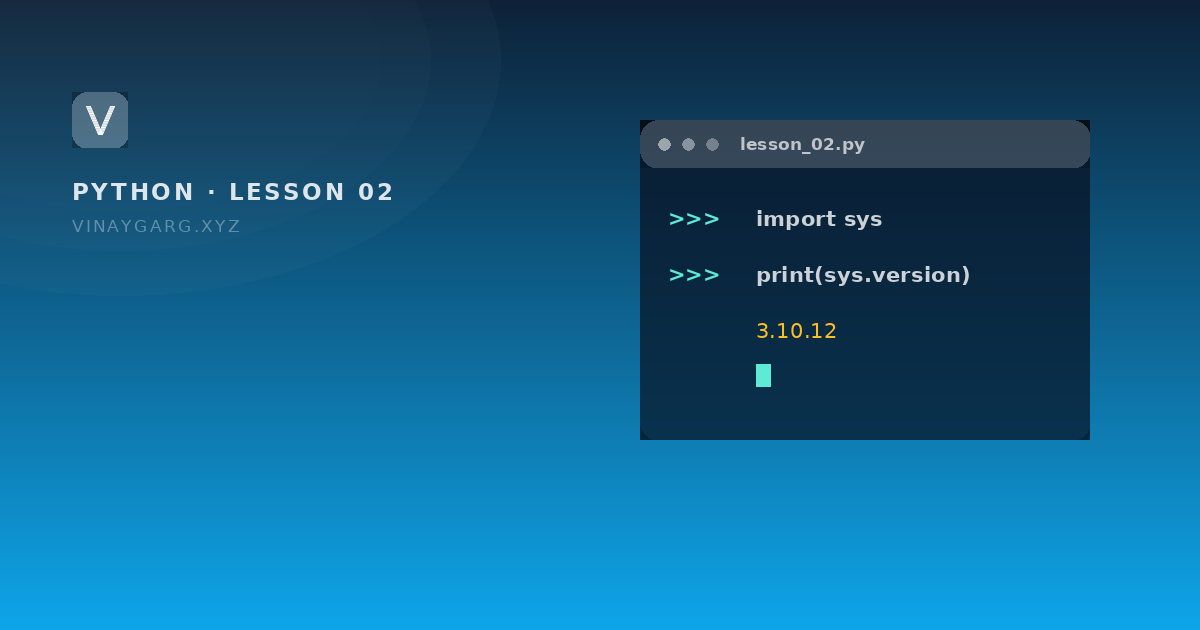
import sys

print("Version:", sys.version.split()[0])
print("Platform:", sys.platform)
print("Install folder:", sys.prefix)
print("2 + 3 =", 2 + 3)
Version: 3.10.12
Platform: win32
Install folder: C:\\Program Files\\Python310
2 + 3 = 5
The version and folder will differ on your machine; both are there to prove Python is installed and to show where it lives.
Common installation problems
- "python is not recognized". The PATH checkbox was missed. Re-run the installer, choose Modify, and add Python to PATH.
- An old version opens. Another Python is earlier in PATH. Use
py -3on Windows orpython3on Linux to be explicit. - pip is missing. Run
python -m ensurepip --upgrade, which restores it.
Practice
Try these before moving on. Each one uses only what this lesson covered.
- Install Python 3 on your own machine and print the version from the command prompt or terminal.
- Run `pip --version` and note which Python installation it belongs to.
- Print `sys.platform` and `sys.maxsize` and explain in a comment what each one tells you.
Sources
Frequently asked questions
What hardware do I need to run Python?
Any computer from the last ten years. About 200 MB of disk and 2 GB of RAM is enough for Python and IDLE; a browser and a full editor at the same time want 4 GB.
Which version of Python should I install?
The latest Python 3 release, at least 3.10. Python 2 reached end of life in 2020 and most teaching material that uses it is out of date.
Is Python free to install and use?
Yes. Python is open source under the Python Software Foundation licence, free for personal, academic and commercial use. Editors such as IDLE and VS Code are also free.
Do I need an internet connection to write Python programs?
No, only to download the installer. After that everything in this course runs offline, because the standard library is already installed.