Lesson 1: What is Python? History, features, advantages and disadvantages
Python is a high-level, interpreted, general-purpose language written by Guido van Rossum and released in 1991. This lesson covers where it came from, what it is good at, and where it is the wrong tool.

In short
- Python is a high-level, interpreted, general-purpose language: you write readable instructions and an interpreter runs them line by line.
- Guido van Rossum started it in 1989 and released the first version in 1991; Python 3 is the version in use today.
- Its advantages are short readable code, a huge standard library, and the same program running on Windows, Linux and macOS.
- Its disadvantages are slower speed than C or Java, more memory use, and errors that only appear when the line finally runs.
1991
first public release of Python
python.org
35
reserved keywords in modern Python 3
Python docs
What Python is
Python is a programming language: a fixed set of words and rules for telling a computer what to do. It is called high-level because its instructions look close to English, not close to machine code. It is called interpreted because a program called the interpreter reads your file and runs it line by line, instead of translating the whole file into machine code first.
It is general-purpose: the same language is used for small college assignments, websites, data analysis, automation scripts and machine learning.
A short history
| Year | What happened |
|---|---|
| 1989 | Guido van Rossum begins the project at CWI in Amsterdam, as a successor to the ABC language. |
| 1991 | Python 0.9.0 is released publicly, with the python interpreter and modules. |
| 2000 | Python 2.0 arrives, adding list comprehensions and garbage collection. |
| 2008 | Python 3.0 is released, cleaning up the language. It is not fully backward compatible with Python 2. |
| 2020 | Python 2 reaches end of life. All new work uses Python 3. |
The name has nothing to do with snakes. Van Rossum was a fan of the comedy series Monty Python's Flying Circus.
Features worth knowing
- Readable syntax. Blocks are marked by indentation instead of curly brackets, so the code looks like the plan.
- Dynamically typed. You do not declare types; a variable takes the type of the value you give it.
- Batteries included. The standard library ships with modules for files, maths, dates, internet protocols and testing.
- Cross-platform. The same file runs on Windows, Linux and macOS.
- Free and open source. It is developed by the Python Software Foundation and can be used commercially at no cost.
- Two styles in one language. You can write object-oriented code with classes, or plain procedural code, or mix them.
Advantages and disadvantages
| Advantages | Disadvantages |
|---|---|
| Short code: a task often takes a third of the lines it needs in Java or C++. | Slower at runtime than compiled languages, because the interpreter does the work. |
| Very good for beginners: the syntax gets out of the way of the idea. | Uses more memory than C for the same task. |
| Huge library and community, so most problems already have a solution. | Type mistakes are found while running, not before, so a rare branch can fail late. |
| Excellent for files, text, data and automation. | Not the first choice for phone apps, device drivers or very tight performance budgets. |
| Runs on every common operating system. | Installing third-party packages on a locked-down lab machine can be awkward. |
Your first program
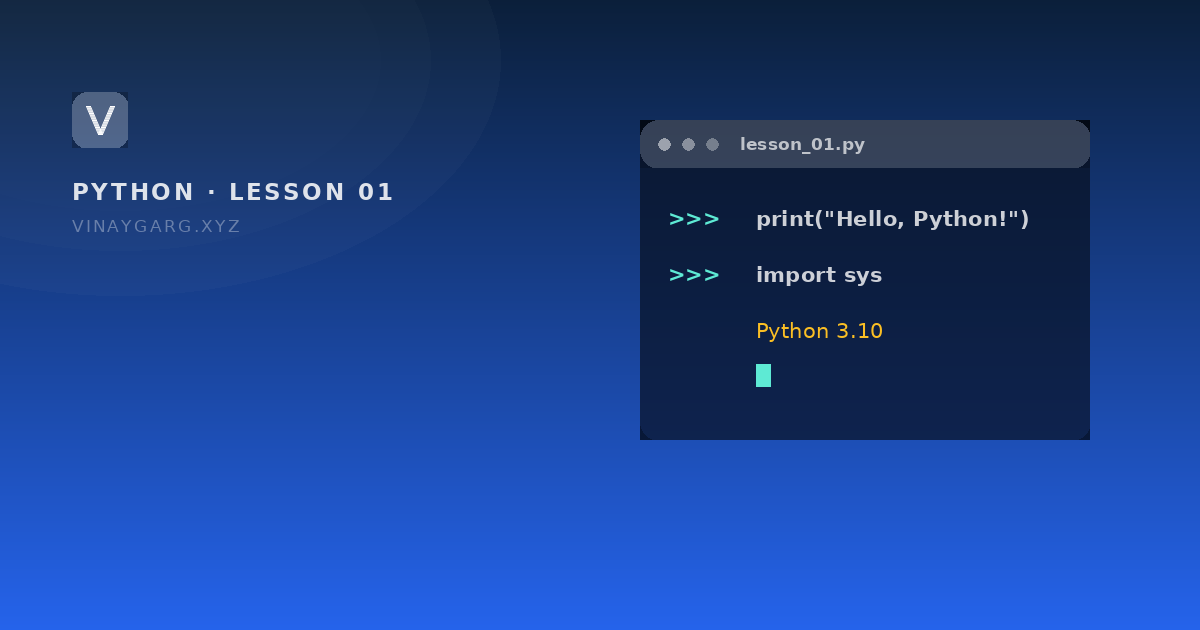
# hello.py — the smallest complete Python program
print("Hello, Python!")

import sys
print("This is Python", sys.version.split()[0], "on", sys.platform)
How it works, step by step
- The line beginning with
#is a comment. Python ignores it; it is there for the reader. print()is a built-in function that sends text to the screen. The text inside the brackets must be in quotes.import sysbrings in a standard module.sysknows things about the interpreter itself.sys.versionis the full version string, and.split()[0]keeps only the first word of it, such as3.10.12.sys.platformtells you the operating system, for examplewin32orlinux.
What it prints
Hello, Python!
This is Python 3.10.12 on win32
The word win32 is what Python calls Windows, on 64-bit machines too. On a Linux machine the same line would read linux; nothing else about the program changes.
Where Python is used
- Teaching programming, because the syntax is close to plain English.
- Automating boring work: renaming files, reading spreadsheets, sending reports.
- Web back ends with frameworks such as Django and Flask.
- Data analysis and machine learning, with libraries such as pandas and scikit-learn.
Practice
Try these before moving on. Each one uses only what this lesson covered.
- Write a program that prints your name, your college and your favourite subject on three lines.
- Print the Python version you are using with `import sys` and `sys.version`.
- List three tasks from your own work that Python could automate, and one where it would be a poor choice.
Sources
Frequently asked questions
Who created Python and when?
Guido van Rossum started it in 1989 at CWI in Amsterdam, and the first public version was released in 1991. It is now maintained by the Python Software Foundation.
Is Python compiled or interpreted?
Python is interpreted: the interpreter reads your file and executes it line by line. Internally it first converts the file to bytecode, but you never run a separate compile step yourself.
Why is it called Python?
Not after the snake. Guido van Rossum named it after the BBC comedy series Monty Python's Flying Circus, which he was a fan of.
Is Python a good first language?
Yes, for most beginners. The syntax is small and readable, so you spend your time on logic rather than on punctuation. It is also a language people keep using afterwards, in jobs, not only in classrooms.